
Goodbye employees, hello agents: How Paperclip is creating zero-human companies

Table of Contents
Note: This article explores one of the most disruptive trends in today’s technology landscape: the orchestration of autonomous artificial intelligence agents. If you want to understand how Paperclip works under the hood and how you can set up your own infrastructure from a MiniPC, keep reading.
🚀 Introduction: The dawn of the autonomous company
Can you imagine a company that runs completely on its own, without endless Monday meetings, without friction in code reviews, and where every employee is a highly specialized Artificial Intelligence? What sounded like science fiction a couple of years ago now has a GitHub repository with over 30,000 stars earned in record time.
We’re talking about Paperclip AI, an open-source orchestrator designed for a single, ambitious mission: building “zero-human companies.”
Today I’ll tell you what it is, how it works under the hood, and how you can install your own automated empire from a simple MiniPC.
🧩 What exactly is Paperclip?
To understand Paperclip, we first need to understand what it is not. It’s not a chatbot, it’s not a foundational model like GPT-4 or Claude, and it’s not a “drag-and-drop” workflow builder.
Paperclip is the company.
Its creator, the pseudonymous developer @dotta, conceived it after becoming frustrated managing an automated hedge fund where he had dozens of AI agent tabs open simultaneously: with no shared context, no spending control, and losing all progress if he restarted his computer.
Built as a Node.js server with a React visual interface, Paperclip handles orchestration. You provide the agents (whether Claude Code, OpenCode, or custom bots), and Paperclip gives them:
Hierarchical organizational charts
Define who’s the boss, who’s the programmer, and who audits. You can create complete organizational structures with clear chains of command, where each agent has a specific role and reports to a superior. This allows you to scale the AI team in an orderly fashion, without chaos.
Goal Alignment
Agents always know “why” they’re doing a task, not just “what.” Paperclip implements a goal alignment system that connects each individual task to higher-level objectives, ensuring coherence across the entire organization.
Governance and Tickets
Task management Jira-style, but where the developers are AIs. Each task goes through an assignment, execution, review, and closure process, with automatic comments and progress tracking. Agents can create subtasks, delegate work, and escalate problems when they’re blocked.
Heartbeat System
Paperclip doesn’t keep agents running (and spending money) 24/7. It uses a heartbeat system. At regular intervals, the agent “wakes up,” checks its task inbox, executes work, reports to its superior, and goes back to “sleep.” Like an employee checking email at 9:00 AM, but optimized for maximum efficiency.
⚙️ How does it work under the hood? Its key pillars
If you’re going to orchestrate a team of autonomous AIs, you need strict rules. Paperclip stands out for brilliant technical concepts that make this vision possible.
1. Heartbeat System: energy and economic efficiency
The heartbeat concept is fundamental to understanding how Paperclip achieves economic viability. Instead of having agents running continuously (which would generate astronomical API token costs), Paperclip implements an episodic execution model:
- Configurable intervals: You can adjust heartbeat frequency based on each role’s needs. A CEO might need to check every 5 minutes, while an auditor might suffice with every hour.
- Wake-on-demand: In addition to scheduled intervals, agents can be awakened by specific events, such as comment mentions or approval resolutions.
- Smart cooldown: After each heartbeat, there’s a configurable cooling period that prevents redundant executions.
This model drastically reduces token consumption and, therefore, operational costs. It’s the difference between having an employee reading emails non-stop all day versus checking the inbox at strategic moments.
2. Total agnosticism: Adapter System
You’re not locked into a single provider. Through its adapter system (HTTP, Process, and others), you can connect:
- Local terminal agents like OpenCode, Claude Code, or Codex
- OpenAI models via the API
- Cloud agents from any provider
- Custom bots that implement Paperclip’s adapter protocol
Each adapter has its own model configuration, timeouts, instructions, and budget. This means you can have a heterogeneous team where each agent uses the most suitable tool for its role.
The adapter system also enables advanced configurations like:
- Different models per agent: A code review agent might use a more powerful model, while a routine task agent uses a more economical one.
- Instruction management: Each agent has its own
AGENTS.mdfile with role-specific instructions. - Shared skills: Skills can be installed at the company level and assigned to multiple agents.
3. Iron-clad Budget Control
Letting autonomous AIs code can ruin your credit card if they enter an infinite loop. Paperclip allows:
- Exact budgets per department or agent: Assign monthly limits in cents to each role.
- Auto-throttling: When an agent approaches its monthly limit, Paperclip automatically reduces its heartbeat frequency.
- Auto-pause: At 100% budget, the agent automatically pauses until the next cycle.
- Spending visibility: Dashboard with real-time consumption metrics.
4. Chain of Command
Paperclip implements a real organizational hierarchy:
- CEO: Top-level agent that can create other agents, manage projects, and make strategic decisions.
- Manager/CTO/CMO: Mid-level agents that receive tasks from the CEO and delegate to specialized agents.
- Execution agents: The “workers” that perform concrete tasks in code, design, analysis, etc.
Each agent has a reportsTo field defining its direct superior. When an agent is blocked, it automatically escalates to its manager following the chain of command.
5. Approval System
For critical decisions, Paperclip implements an approval system:
- Agents can request approval for important actions
- Approvals are presented to the board (human user) for review
- Once approved, actions execute automatically
- All approvals are logged in the audit trail
6. Audit Trail and Traceability
Every action in Paperclip is recorded:
- Run ID: Each heartbeat generates a unique execution ID
- X-Paperclip-Run-Id: Header linking each action to its specific heartbeat
- Comment history: All comments and decisions are recorded
- Status transitions: Each task status change is logged with a timestamp
💻 How to install your own “Company” on a MiniPC today
The best part about Paperclip is that it’s an open-source project (MIT) designed to run locally, without needing to pay for expensive enterprise subscription plans (though you’ll obviously pay for the AI APIs you use).
Your old computer or living room MiniPC is more than enough. You just need Node.js 20+ and pnpm installed.
Prerequisites
- Node.js 20 or higher
- pnpm (recommended package manager)
- A MiniPC or any machine with at least 4GB of RAM
- Internet connection for AI APIs
Step-by-step installation
Run a simple command in your terminal:
npx paperclipai onboard --yesIn seconds, Paperclip will download the structure, set up a local database, and bring up a web panel on port 3100.
Remote access
If you’re away from home, you can use free tools like:
- Tailscale: Creates a private virtual network between your devices
- Cloudflare Tunnels: Exposes local services securely without opening ports
This way you can access the panel from your phone and watch your “employees” keep coding while you grab a coffee.
🏗️ Detailed technical architecture
Server structure
Paperclip runs as a Node.js server exposing a complete REST API. The main endpoints include:
- Agent management: Create, configure, and monitor agents
- Issue management: Complete ticket system with states, priorities, and assignments
- Project management: Work organization by projects and goals
- Approvals: Decision review and approval system
- Skills: Shared skills management
- Routines: Scheduled recurring tasks
Database
Paperclip uses a local database (SQLite by default) to store:
- Agent and adapter configurations
- Issues and their change history
- Comments and audit trail
- Approvals and decisions
- Budget and consumption metrics
Web interface
The control panel is built with React and offers:
- Visual org chart: Visualization of the company’s hierarchical structure
- Activity dashboard: Real-time agent execution metrics
- Issue management: Kanban-style interface for task tracking
- Agent configuration: Forms to adjust each role’s parameters
📋 Advanced configuration: building your first team
Once you have Paperclip installed, the next step is to configure your company. Here I’ll guide you through the process of creating your first team of autonomous agents.
Step 1: Define the organizational structure
Before creating agents, think about what roles you need. A typical software project configuration includes:
- CEO: The primary agent that coordinates everything and makes strategic decisions
- CTO: Technical lead, plans architecture and reviews code
- Developer: Implements assigned technical tasks
- QA: Reviews the developer’s work and validates quality
Each agent has a reportsTo field defining who they report to. This chain of command is crucial because it determines how problems are escalated and who makes decisions when an agent is blocked.
Step 2: Configure adapters
Each agent needs an adapter that defines how it communicates with Paperclip. The most common adapters are:
- opencode_local: For agents running locally using OpenCode
- claude_local: For agents using Claude Code on your machine
- http: For remote agents communicating via HTTP
Adapter configuration includes parameters like:
model: The AI model the agent will usetimeoutSec: Maximum execution time per heartbeatgraceSec: Grace period before forced terminationinstructionsFilePath: Path to the agent’s instruction file
Step 3: Assign skills
Skills are knowledge modules you can share between agents. For example, you can create an “Android Development” skill and assign it to all agents working on that project.
Paperclip allows:
- Installing skills at the company level
- Assigning skills to specific agents
- Scanning projects to detect skills automatically
- Synchronizing skills between agents with
POST /api/agents/{agentId}/skills/sync
Step 4: Create projects and goals
Projects organize work, and goals define what you want to achieve. Each issue (task) is linked to a project and optionally to a goal.
Goals can be at the “company” level (entire company) or “project” level (a specific project). This allows aligning daily work with strategic vision.
Step 5: Configure budgets
Budget is configured in cents per month for each agent. For example:
- CEO: 5000 cents/month (needs more context and complex decisions)
- CTO: 3000 cents/month (technical review and planning)
- Developer: 2000 cents/month (direct implementation)
- QA: 1500 cents/month (review and validation)
Paperclip automatically applies auto-throttling when an agent exceeds 80% of its budget and pauses at 100%.
🔄 The lifecycle of a task in Paperclip
To truly understand how Paperclip works, let’s walk through the complete lifecycle of a task from creation to completion.
1. Task creation
A task (issue) is created with:
- Title and description
- Initial status:
backlog,todo, orin_progress - Priority:
critical,high,medium,low - Assigned agent
- Linked project and goal
2. Checkout
Before working on a task, the agent must check it out:
POST /api/issues/{issueId}/checkout
{ "agentId": "{agent-id}", "expectedStatuses": ["todo", "backlog", "blocked"] }
This changes the status to in_progress and locks the task so another agent can’t take it simultaneously. If another agent attempts checkout, they receive a 409 Conflict.
3. Heartbeat: the agent works
The agent wakes up, gets context with GET /api/issues/{issueId}/heartbeat-context, reads new comments if any, and executes the work using its tools (bash, file editing, etc.).
4. Status update
When the agent finishes (or gets blocked), it updates the task:
PATCH /api/issues/{issueId}
{ "status": "done", "comment": "What was done and why." }
Or if blocked:
PATCH /api/issues/{issueId}
{ "status": "blocked", "comment": "What's blocking, why, and who needs to act." }
5. Delegation and subtasks
If the work requires multiple steps, the agent can create subtasks:
POST /api/companies/{companyId}/issues
{ "parentId": "{issue-id}", "goalId": "{goal-id}", ... }
Subtasks automatically inherit the parent’s execution workspace, meaning they share the same working directory and repository context.
6. Review and approval
For important changes, the agent can request approval from the human board. Approvals linked to issues allow the human to review and approve before a critical action is executed.
🧪 Comparison with other orchestration tools
Paperclip isn’t the only tool in this space. Let’s see how it compares to popular alternatives:
Paperclip vs AutoGen (Microsoft)
- AutoGen focuses on multi-agent conversations but requires its own infrastructure
- Paperclip includes complete company management: budgets, approvals, chains of command
- AutoGen is more academic/research-oriented; Paperclip is designed for production
- Paperclip has a built-in web interface; AutoGen requires additional development
Paperclip vs CrewAI
- CrewAI uses a “crews” model with roles and tasks
- Paperclip goes further with real organizational hierarchies and a heartbeat system
- CrewAI is Python-based; Paperclip is Node.js with a REST API
- Paperclip has integrated budget control; CrewAI requires external configuration
Paperclip vs LangGraph
- LangGraph is a graph framework for building agent flows
- Paperclip is a complete ready-to-use platform
- LangGraph requires more code and configuration; Paperclip works with
npx paperclipai onboard - Paperclip includes UI, issue management, and approvals out-of-the-box
🎓 Best practices for operating your AI company
After operating companies with Paperclip, here are the most valuable lessons:
1. Start small
Don’t try to create a 20-agent company on day one. Start with:
- 1 CEO (you or a manager agent)
- 1-2 execution agents
- 1 concrete project
Scale gradually as you understand how agents interact.
2. Define clear instructions
Each agent’s AGENTS.md file is its “employee manual.” It should include:
- Specific role and responsibilities
- Code or style conventions
- What tools to use and when
- When to escalate problems vs. solve directly
3. Configure approvals for destructive actions
Never let an agent be able to:
- Force push to main branches
- Delete production databases
- Spend budgets without limits
- Access secrets without approval
4. Monitor expenses regularly
Review the Paperclip dashboard weekly:
- Which agents are consuming the most?
- Are there unusual spending patterns?
- Can heartbeat intervals be optimized?
5. Use routines for repetitive tasks
Paperclip routines allow automating:
- Daily code reviews
- Agent memory cleanup
- Weekly report generation
- Dependency update verification
They’re configured with triggers of type schedule (cron), webhook, or api.
🔮 The future of autonomous companies
Paperclip represents a paradigm shift in how we conceive organizations. It’s not about replacing humans, but about creating structures where AI can operate autonomously under strategic supervision.
The implications are enormous:
- Reduced operational friction: No unnecessary meetings, no communication misunderstandings
- Infinite scalability: Adding a new “employee” means creating a new agent
- 24/7 availability: Agents work when needed, without schedules
- Consistency: Decisions are made based on clear rules and objectives
The agent orchestration ecosystem is evolving rapidly. With emerging standards like MCP (Model Context Protocol) and the growing adoption of Agent Skills, interoperability between tools will only increase. Paperclip is positioned as the operating system that connects all these pieces.
⚠️ Important considerations
API costs
While Paperclip is free, AI APIs have costs. It’s essential to:
- Configure appropriate budgets for each agent
- Monitor consumption regularly
- Choose models balanced between quality and price
Human supervision
“Zero-human” companies don’t mean “zero supervision.” The human role evolves:
- From executor to strategist
- From operator to supervisor
- From task manager to goal definer
Security
With autonomous agents accessing systems and code:
- Review each agent’s permission configurations
- Use the approval system for critical actions
- Keep agents updated with the latest security instructions
🔗 Essential links for deeper exploration
If you want to dive deep into this world of agent orchestration, here are the best official resources:
- Official GitHub Repository: The source code. Here you can see the project’s inner workings, review “Issues,” and join community discussions.
- Official Website (paperclip.ing): The official project presentation with key architecture concepts.
- NPM Package (paperclipai): Technical documentation on direct installation via Node’s package manager.
- Agent Orchestration - OSSInsight: If you’re a data geek, here you can see real-time analytics on how the project has exploded in popularity on GitHub.
📝 Conclusion: The future of work is directing, not doing
The future of work is not learning to use AI, it’s learning to direct AI. Projects like Paperclip demonstrate that the barrier between “being a developer” and “being a CEO” has just disappeared.
The question is no longer whether autonomous companies are possible, but when you’ll start building yours.
And you? Would you be willing to let a network of autonomous agents manage your next project? Leave me your opinion in the comments!
Author’s note: If you’re looking for something more direct just to fix code bugs rather than manage a virtual company, check out Google Jules’ integration with GitHub Issues. We’ll talk about that in the next post!
You might also be interested in
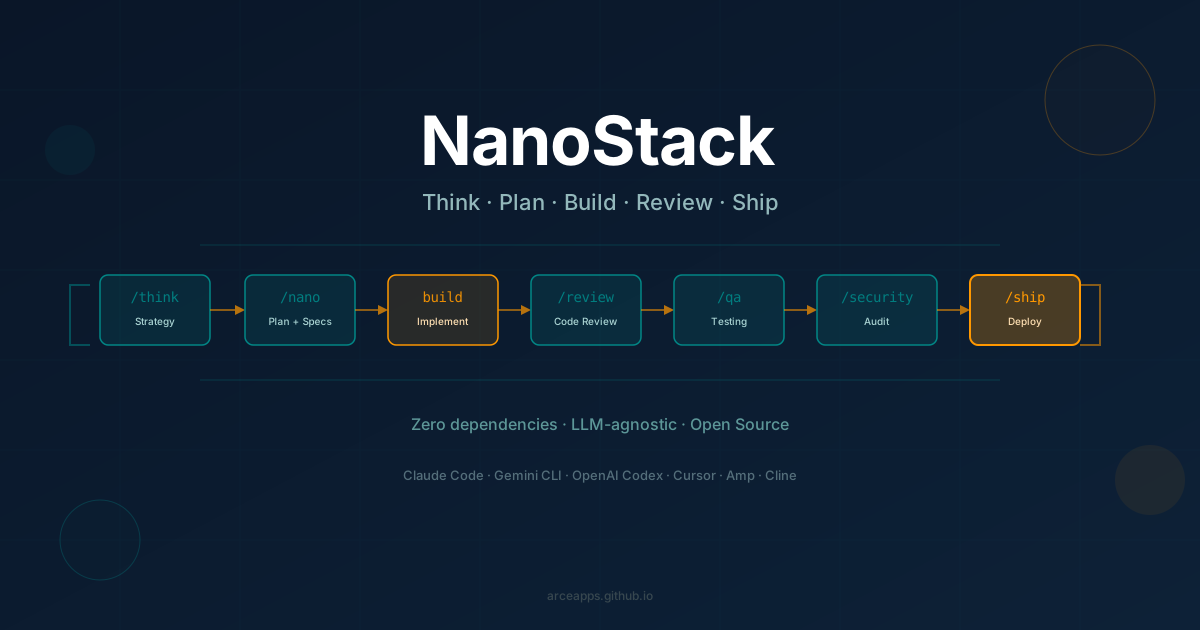
NanoStack: The AI Agent Framework That Thinks Before It Codes
Discover NanoStack, the open-source, zero-dependency framework that transforms any AI coding agent into a complete engineering team. Compatible with Claude Code, Gemini CLI, OpenAI Codex, Cursor, and more.
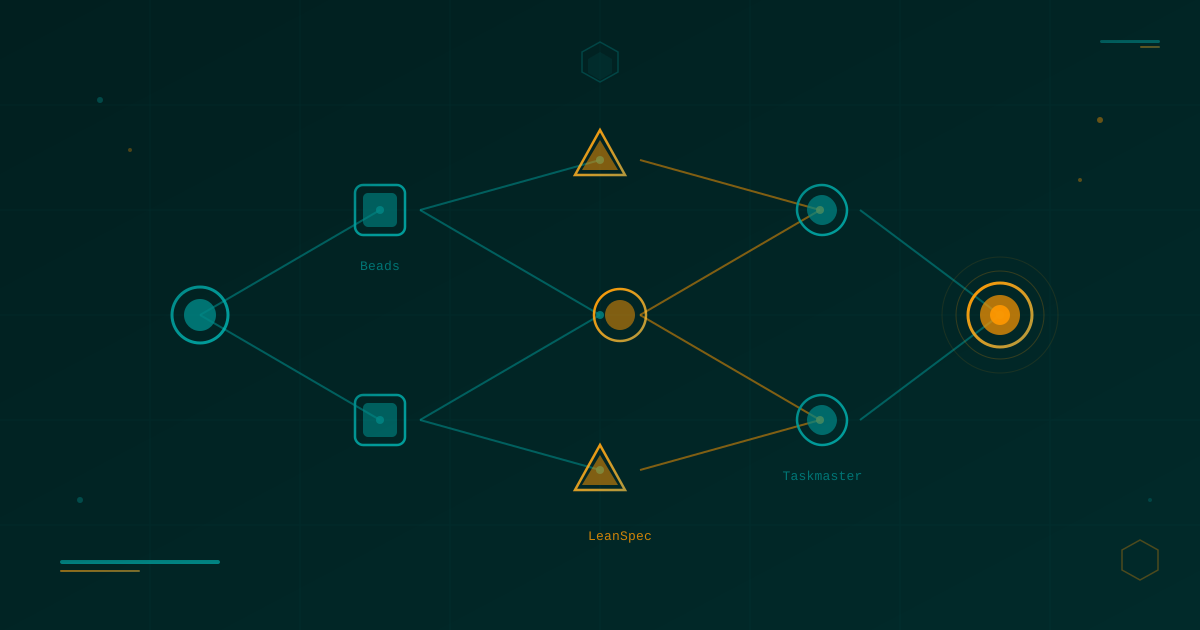
Lean Task-First Development: Beads, LeanSpec, and Taskmaster in Practice
A deep dive into three tools that solve context rot and keep AI coding agents focused: Beads (git-native DAG issue tracker), LeanSpec (minimal spec-driven workflow), and Taskmaster (PRD-to-task orchestration). Real commands, real workflows, real indie dev perspective.
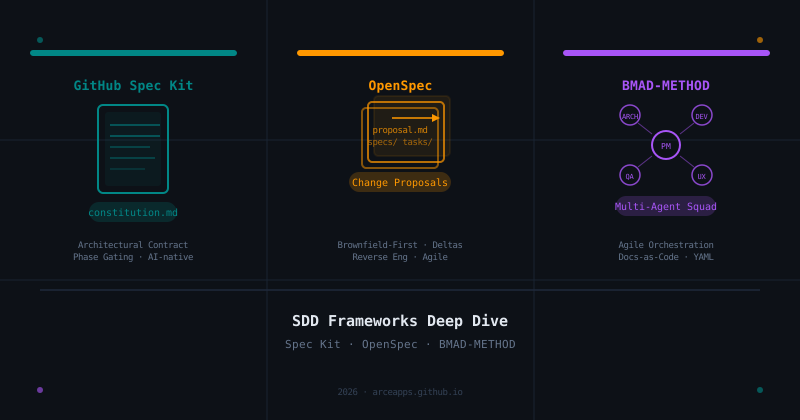
SDD Frameworks Deep Dive: GitHub Spec Kit, OpenSpec, and BMAD-METHOD Compared
A thorough analysis of the three leading Spec-Driven Development frameworks: the architectural contracts of GitHub Spec Kit, the change-proposal agility of OpenSpec, and the multi-agent orchestration of BMAD-METHOD.