
Android CLI: Accelerating Development with AI Agents
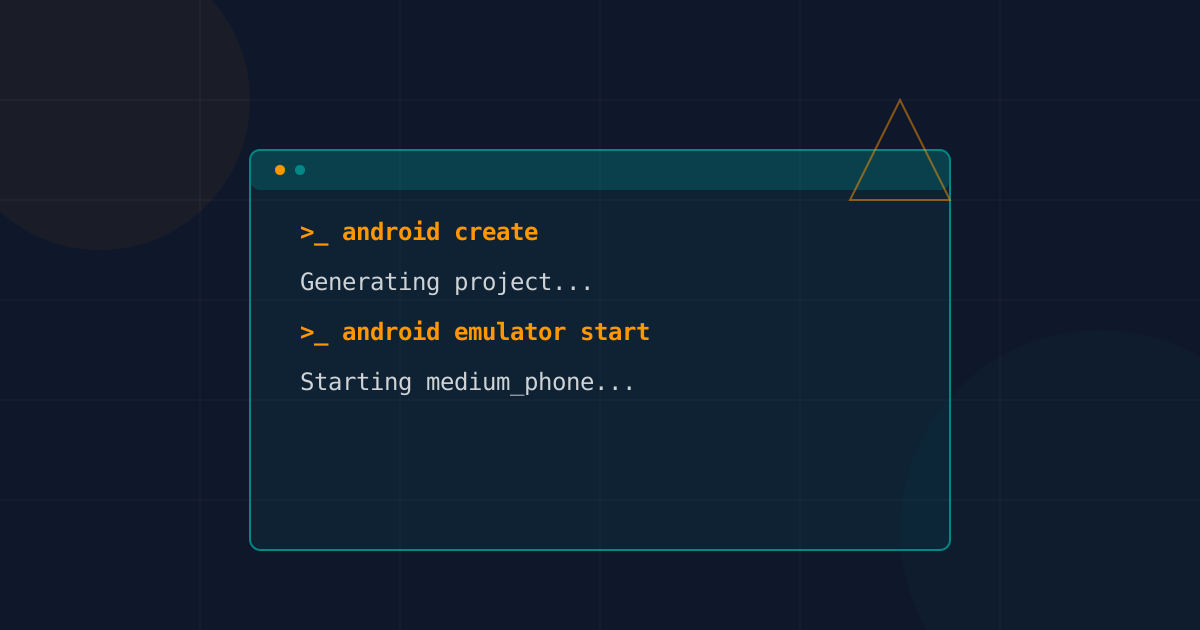
Table of Contents
Throughout my years building mobile applications, the initial project setup, emulator configuration, and environment preparation have always represented a significant amount of friction. That feeling of wrestling with Gradle builds before writing the first serious line of code is something we all know too well. However, over the past year, particularly with the rise of AI agents, I’ve found myself completely rethinking how I manage my workflows.
The arrival of the Android CLI (and its deep integration with AI agents) has largely changed this equation. Now, instead of clicking around and waiting for Android Studio to index half my hard drive, I can lean on command-line tools that are explicitly designed to integrate smoothly with bots like Claude Code or my own locally configured agents.
Why a CLI now?
Reading about Google’s latest move on their Android Developers blog, it became clear to me that the goal is no longer just to make life easier for the human developer, but to make it easier for the AI.
Agents (LLMs) shine when they have access to programmatic interfaces, not when you ask them to simulate clicks in graphical user interfaces. The Android CLI centralizes critical commands that were previously scattered or simply didn’t exist as first-class citizens outside an IDE:
# Project creation from official templates
android create --name=MyAwesomeApp empty-activity-agp-9

# Quick emulator management
android emulator start medium_phone

# On-demand SDK installation
android sdk install platforms/android-34
According to recent tests, this greatly reduces the tokens an agent needs to spend, potentially speeding up task resolution by up to 3 times. From my own indie trench, having an agent spin up my app without distractions is simply magical.
The AI-centric Workflow
Picture this: I’m iterating on a new idea in a fully console-based environment (maybe an MCP server), and I ask my agent to deploy the project to review the layout on a connected device:
android run --apks=app-debug.apk --device=emulator-5554But the CLI doesn’t just deploy; it gives the AI the ability to visually understand the screen. With commands like android screen capture --annotate and android screen resolve, an automated script or an autonomous bot can locate UI elements on the screen and transform commands into simulated touch interactions. Goodbye to the headaches of trying to get the AI to know where that damn button was!
If you want to understand how to complement this by injecting specific development logic, I highly recommend reading my companion piece on Android Skills and AI-guided development. The combination of both is truly the key to the future of mobile development.
The Transition to the IDE
You might wonder: “Does this mean I’ll stop using Android Studio?”. No. The main idea, which I constantly apply in my projects, is to use agents + CLI for rapid prototyping, massive structural refactors, or CI/CD flows.
For visual debugging, performance profiling, or fine-tuning UI, I open my project in the IDE. The Android CLI includes commands like android studio check or android studio open-file to hand the baton back to the IDE without friction.
My Takeaways
Committing to an agentic-first development approach requires adapting our tools. I’ve learned that the Android CLI is not a step backward into the 90s terminal puritanism, but an interface layer designed for our new code “companions”. Saving tokens and having deterministic executions from the terminal is the difference between a productive afternoon and fighting against LLM hallucinations trying to guess where the SDK is.
References
You might also be interested in
Loop Engineering
Discover how Loop Engineering is replacing traditional prompting. Learn to design autonomous systems for mobile development with Kotlin and Android, managing risks and optimizing resources.
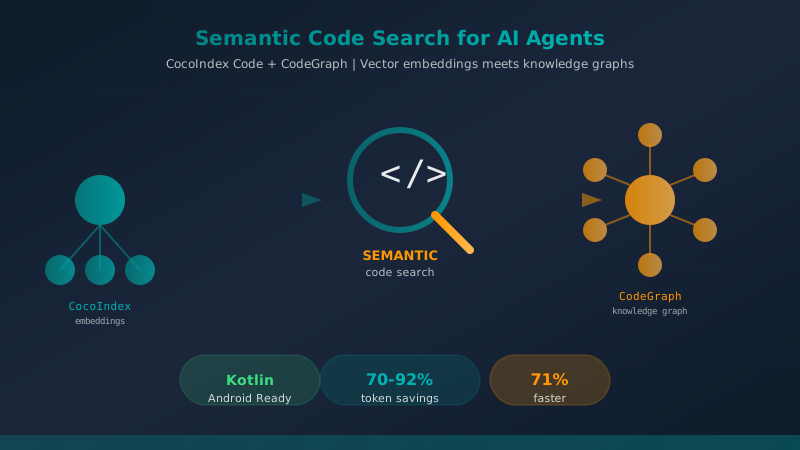
Semantic Code Search Tools for AI Coding A...
A comprehensive comparison of CocoIndex Code and CodeGraph — two AST-based semantic code search tools that dramatically reduce token consumption and accelerate code exploration for AI coding agents like Claude Code.
ChatGPT 5.3 Codex: The New Standard for Mobile Development?
A deep dive into ChatGPT 5.3 Codex, its new dedicated app, and what it means for Android developers. Includes comparison with Gemini 3.0 Pro.