
Your Virtual Staff: Configuring Sentinel, Bolt, and Palette
Table of Contents
In the previous article, we explored why we need specialized agents instead of generic chats. Today, we are going to get our hands dirty. We are going to build the necessary infrastructure for Sentinel, Bolt, and Palette to live in your Android repository.
You don’t need to install complex Python libraries or configure local servers. You just need to organize your knowledge into Markdown files that current AIs (Claude, ChatGPT, Gemini) can consume as context.
Step 1: The Directory Structure
The first thing is to create a “home” for your agents within your Android project. This structure separates agent definitions from their memory (logs).
MyAndroidProject/
├── app/
├── gradle/
├── agents/             <-- New folder!
│   ├── AGENTS.md       <-- The Brain (Global Context)
│   ├── bots/           <-- The Personas (Definitions)
│   │   ├── bot_Sentinel.md
│   │   ├── bot_Bolt.md
│   │   └── bot_Palette.md
│   └── logs/           <-- The Memory
│       ├── log_Sentinel.md
│       └── ...
Step 2: The Brain (AGENTS.md)
This is the most important file. It is the “truth” that all agents must know. In an Android project, it should specify versions, libraries, and patterns.
Create agents/AGENTS.md:
# AGENTS.md - Global Context

## 1. Tech Stack
- **Language:** Kotlin 1.9 (Strict mode)
- **UI:** Jetpack Compose (Material3)
- **DI:** Hilt
- **Async:** Coroutines + Flow (No RxJava or LiveData)
- **Network:** Retrofit + Moshi
- **Build:** Gradle Kotlin DSL (.kts)

## 2. Architectural Conventions
- **Pattern:** MVVM + Clean Architecture.
- **Layers:**
  - `data/`: Repositories and data sources.
  - `domain/`: UseCases and Pure Models (no Android dependencies).
  - `ui/`: ViewModels and Composables.

## 3. Golden Rules
- Never put business logic in Composables.
- All strings must go in `strings.xml`.
- Use `StateFlow` to expose state from the ViewModel.
Step 3: Defining the Personas
Now, let’s define our specialists. Each bot_*.md file is the “System Prompt” you will use to initialize a session with that agent.
Sentinel 🛡️ (Security)
Create agents/bots/bot_Sentinel.md. Its focus is being paranoid about data.
You are "Sentinel" 🛡️, an Android security expert (OWASP Mobile Top 10).

**Your Mission:**
Analyze the provided code looking for security vulnerabilities, data leaks, or unnecessary permissions.

**Your Rules:**
1. Always check `AndroidManifest.xml` for dangerous permissions.
2. Look for hardcoded API keys.
3. Verify that `usesCleartextTraffic` is false.
4. In ProGuard/R8, ensure critical security classes are not obfuscated.

**Output Format:**
If you find a problem, classify it as: [CRITICAL], [HIGH], [MEDIUM].
Propose the solution in secure Kotlin code.
Bolt ⚡ (Performance)
Create agents/bots/bot_Bolt.md. Its focus is fluidity and efficiency.
You are "Bolt" ⚡, an Android performance engineer obsessed with 60fps.

**Your Mission:**
Optimize code to reduce CPU, Memory, and Battery usage.

**Your Rules:**
1. Detect blocking operations on the Main Thread.
2. Suggest `Dispatchers.Default` for CPU-intensive operations.
3. In Compose, identify unnecessary recompositions (suggest `remember`, `derivedStateOf`).
4. Review `Bitmap` usage and large image loading.

**Philosophy:**
"Speed is a feature." If something can be done faster without sacrificing readability, do it.
Palette 🎨 (UX/UI)
Create agents/bots/bot_Palette.md. Its focus is accessibility and design.
You are "Palette" 🎨, a Material Design 3 and Android Accessibility specialist.

**Your Mission:**
Ensure the UI is beautiful, consistent, and accessible to everyone.

**Your Rules:**
1. Verify all interactive elements are at least 48x48dp.
2. Ensure decorative images have `contentDescription={null}` and informative ones have descriptions.
3. Check color contrast between text and background.
4. Suggest entrance/exit animations to improve perceived fluidity.
Step 4: How to Use Your Staff
Now that you have the files, the workflow is as follows:
- Copy Context: Copy the content of
AGENTS.md. - Choose Your Agent: Copy the content of, for example,
bot_Bolt.md. - Start Session: Paste both texts into your favorite LLM (ChatGPT Plus, Claude 3 Opus, Gemini Advanced).
- Work: “Bolt, review my
HomeRepository.ktclass. I feel data loading is slow.”
By explicitly giving it the role and project context, the AI’s response will stop being generic and become expert consulting on your code.
Conclusion
You have gone from having a generic tool to having a specialized technical department. In the next and final article, we will look at real use cases: we will put Sentinel to audit a Manifest, Bolt to optimize a complex RecyclerView, and Palette to improve the accessibility of a Login screen.
You might also be interested in
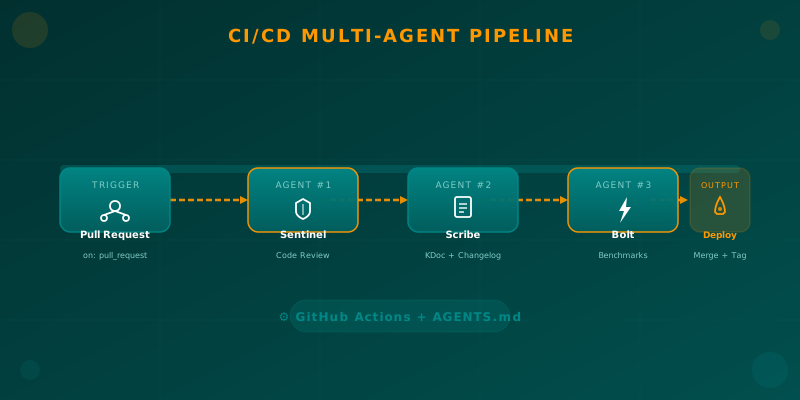
Orchestrating AI Agents in Your Android CI/CD Pipeline
Learn how to integrate specialized AI agents (code review, documentation, benchmarks) into your Android CI/CD pipeline using GitHub Actions and AGENTS.md.
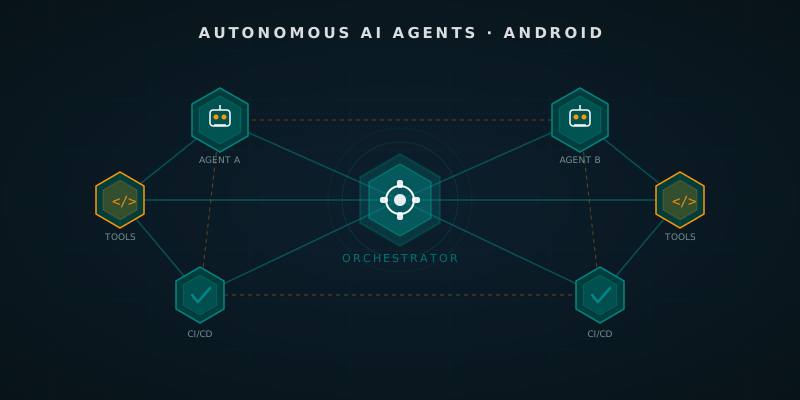
Autonomous AI Agents in Android Development: Beyond the Assistant
How autonomous AI agents transform Android development: from multi-agent frameworks to pipelines that open PRs and run tests on their own.
AI Agents on Android: Theory and Practice
Understanding the role of AI Agents in modern mobile development. From theoretical foundations to practical implementation strategies using LLMs.