

Table of Contents
🌍 Why GitHub Pages?
As Android developers, we often neglect our web presence. “I build apps, not webs”, we say. But having a portfolio or technical blog is vital for your career.
GitHub Pages is the perfect solution because:
- It’s Free: Unlimited hosting for static projects.
- It’s Git-based: You deploy with a
git push. - It’s Fast: Served via GitHub’s CDN.
- Supports Custom Domains:
your-name.comwith free HTTPS.
🚀 Astro: The Web Framework for Non-Web Devs
This blog is built with Astro. Why Astro and not React/Angular?
- Zero JS by Default: Astro renders static HTML. Loads instantly.
- Content-Driven: Designed for blogs and documentation (native Markdown).
- Familiar Syntax: If you know HTML and a bit of JS (or Kotlin/Java), you know Astro.
---
// This is like the "backend" of the component (runs at build time)
const title = "My Android Portfolio";
const apps = ["Sudoku", "TodoApp", "Weather"];
---

<!-- This is the template (HTML + variables) -->
<html>
  <body>
    <h1>{title}</h1>
    <ul>
      {apps.map((app) => <li>{app}</li>)}
    </ul>
  </body>
</html>
🛠️ Configuring the Deployment Pipeline
To deploy an Astro website to GitHub Pages automatically:
- Enable Pages in your repo:
Settings -> Pages -> Source: GitHub Actions. - Create the workflow
.github/workflows/deploy.yml:
name: Deploy to GitHub Pages

on:
  push:
    branches: [ main ]

permissions:
  contents: read
  pages: write
  id-token: write

jobs:
  build:
    runs-on: ubuntu-latest
    steps:
      - uses: actions/checkout@v4
      - uses: withastro/action@v2
        with:
            package-manager: npm

  deploy:
    needs: build
    runs-on: ubuntu-latest
    environment:
      name: github-pages
      url: ${{ steps.deployment.outputs.page_url }}
    steps:
      - name: Deploy to GitHub Pages
        id: deployment
        uses: actions/deploy-pages@v4
🎨 Library Documentation (Dokka + Pages)
If you have an Open Source Android library, you must have web documentation.
- Generate documentation with Dokka (see documentation article).
- Configure Dokka output to go to a
docs/folder. - In GitHub Pages settings, choose
Source: Deploy from a branchand select the/docsfolder.
Done! Now you have your-user.github.io/your-library with professional navigable documentation.
🎯 Conclusion
You don’t need to be a React expert or spend money on AWS to have a professional web presence. With GitHub Pages and Astro, you can build and maintain your personal brand using the same tools (Git, CI/CD) you use every day.
You might also be interested in
GitHub Pages for Android Devs: Your Free Professional Portfolio
Learn to deploy this same blog, library documentation or app landing pages using GitHub Pages and Astro, totally free.
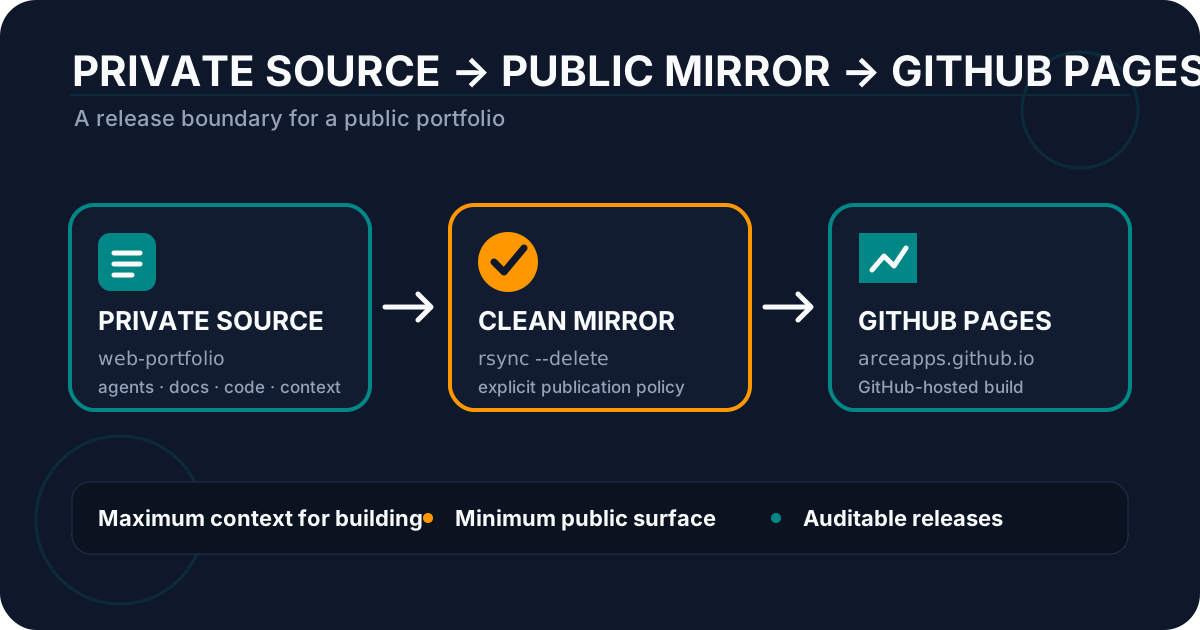
GitHub Pages: Private Portfolio, Public Mirror
Configure GitHub Pages with a private repository, a public mirror, and GitHub Actions to publish a portfolio without exposing internal files.
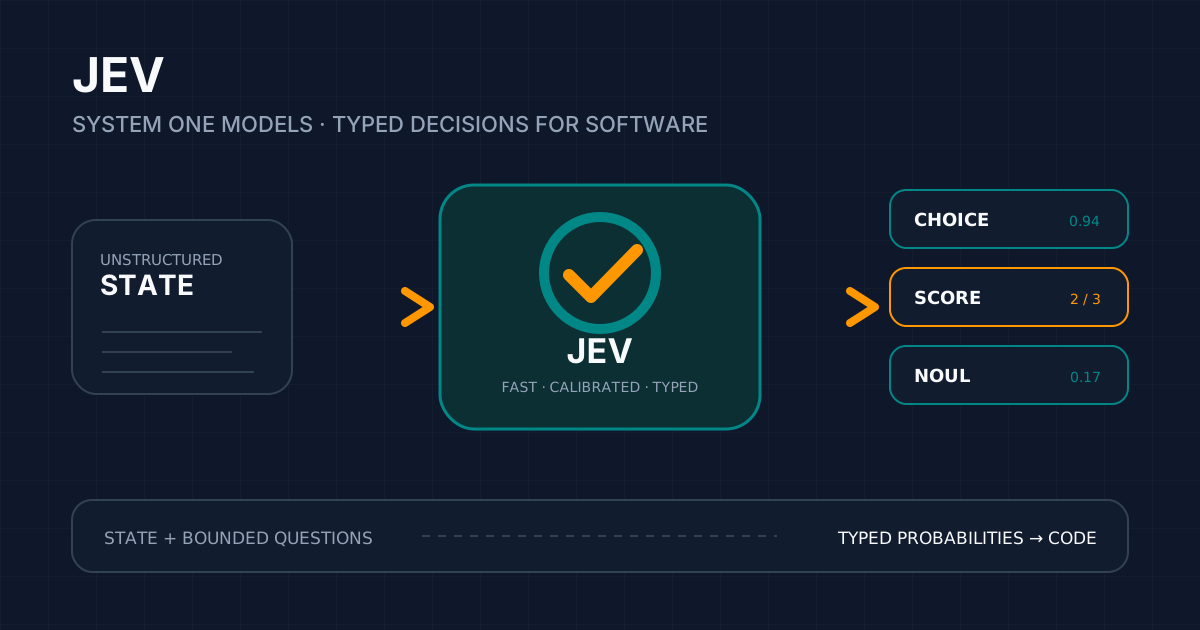
Jev: AI Built to Decide, Not to Write
Explore Jev and System One Models: installation, API, SDKs, Agent Skill, community CLI/MCP tools, and patterns for typed software decisions.