
Refactoring Legacy Code with AI: From Nightmare to Dream

Table of Contents
🧟 The Legacy Monster
Legacy code is code that works, but everyone is afraid to touch. It usually has:
- Zero tests.
- Variables named
temp,aux,data. - Methods with 500 lines.
- Logic mixed with UI.
Before AI, refactoring this was a high-risk manual surgery. Now, we have robotic assistants.
🩺 The “AI-Assisted Strangler” Strategy
The Strangler Fig Pattern consists of gradually replacing parts of the system until the old system dies. AI accelerates this.
1. Understanding the Code (Archaeology)
Paste the confusing function into Claude/GPT-4.
Prompt: “Explain what this Java method does in plain English. Identify side effects and business rules.”
This generates documentation for code that never had it.
2. Generating Safety Tests (The Safety Net)
Before changing anything, we need tests. Since we don’t know what the code does, we ask the AI to generate Characterization Tests (Golden Master). These tests capture the current behavior, even if it is incorrect (documented bugs).
Prompt: “Generate JUnit tests for this
LegacyCalculatorclass. The goal is to cover the current behavior, including edge cases, to ensure I don’t break anything when refactoring.”
3. Java -> Idiomatic Kotlin Migration
The Android Studio auto-converter (Ctrl+Alt+Shift+K) does a decent job, but leaves a lot of “Java in Kotlin” code (!!, abusive lateinit).
AI Workflow:
- Convert the file to Kotlin with AS.
- Ask AI: “Refactor this Kotlin code to make it more idiomatic. Use Scope Functions (
let,apply), Data Classes, and remove unnecessary nulls.”
4. Logic Extraction (From God Class to SRP)
If you have a giant MainActivity.
Prompt: “Analyze this code. Extract all user validation logic to a new
UserValidatorclass. Extract network logic to aUserRepository. Give me just the code for the new classes and how to instantiate them in the Activity.”
⚠️ Dangers of AI Refactoring
- Subtle Logic Change: AI might “optimize” a loop and change execution order, which could affect the result if there are side effects. Always trust your tests.
- Loss of Comments: Sometimes AI removes important comments. Explicitly ask “Keep relevant comments or convert them to KDoc”.
🎯 Case Study: AsyncTask to Coroutines
Input (Legacy):
new AsyncTask<Void, Void, String>() {
    protected String doInBackground(Void... params) {
        return api.getData();
    }
    protected void onPostExecute(String result) {
        textView.setText(result);
    }
}.execute();
Prompt: “Migrate this AsyncTask to Kotlin Coroutines using viewModelScope and handling lifecycle.”
Output (AI):
viewModelScope.launch {
    try {
        val result = withContext(Dispatchers.IO) {
            api.getData()
        }
        _uiState.value = result
    } catch (e: Exception) {
        // Error handling
    }
}
🚀 Conclusion
AI turns refactoring from a dreaded task into a creative and rewarding activity. It allows you to move at incredible speed, but requires you to act as a strict Quality Auditor. Never commit an AI refactor without reviewing tests.
You might also be interested in
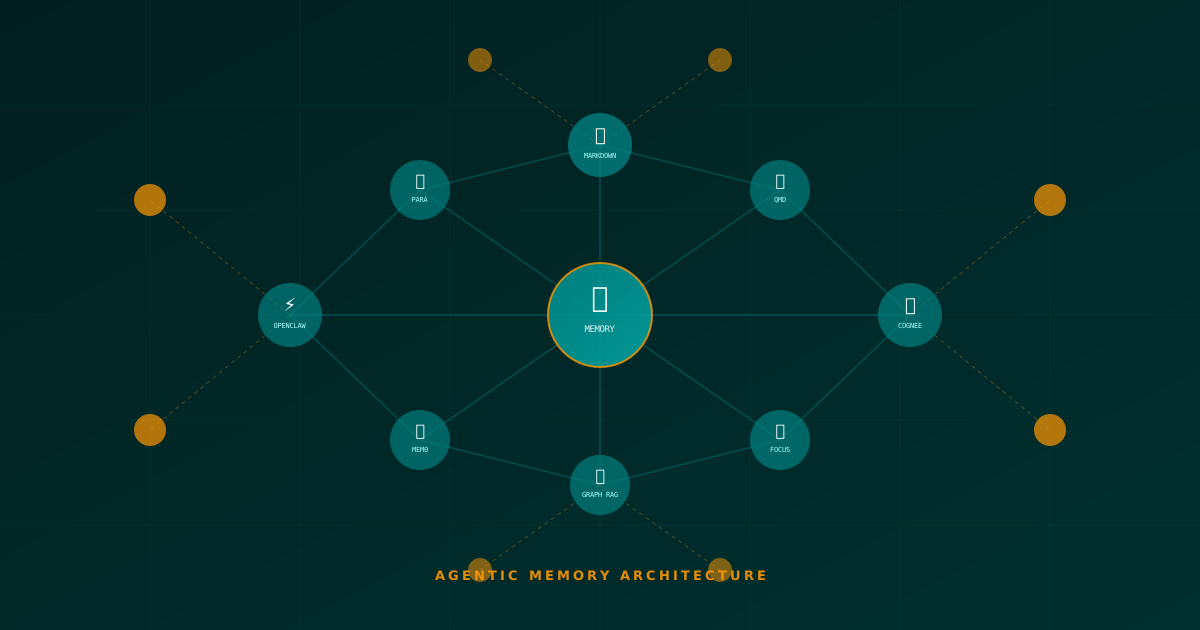
The Architecture of Persistent AI Agent Memory: Frameworks, Methodologies and the Evolution of Personal Knowledge Management
A deep technical analysis of how AI agents persist, consolidate and retrieve information autonomously. From OpenClaw and QMD to Mem0, Cognee and neurobiological memory models.
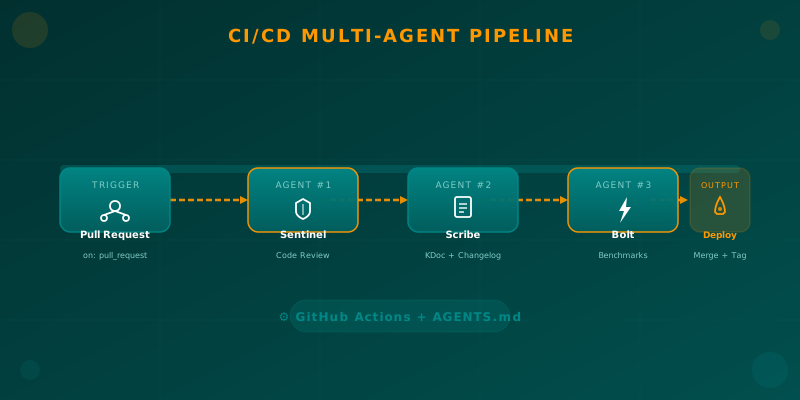
Orchestrating AI Agents in Your Android CI/CD Pipeline
Learn how to integrate specialized AI agents (code review, documentation, benchmarks) into your Android CI/CD pipeline using GitHub Actions and AGENTS.md.
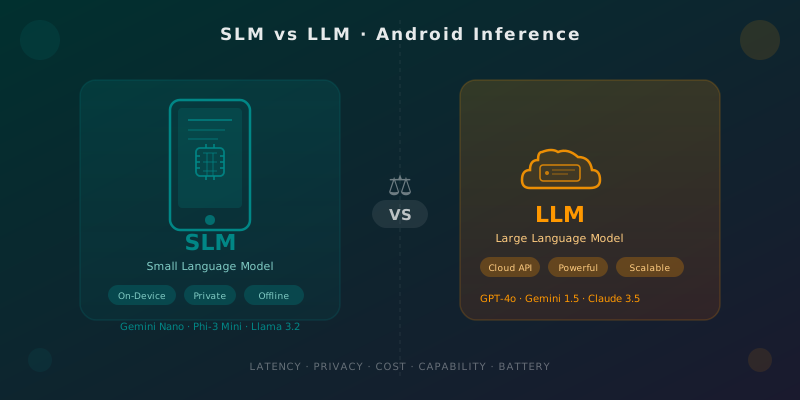
SLMs vs LLMs for Android: When to Run AI on the Device
Practical guide for Android developers to choose between on-device small models (Gemini Nano, Phi-3 Mini) and cloud LLMs: latency, privacy, cost, and battery life.