
Android Skills: AI Guide for Smoke-Free Development
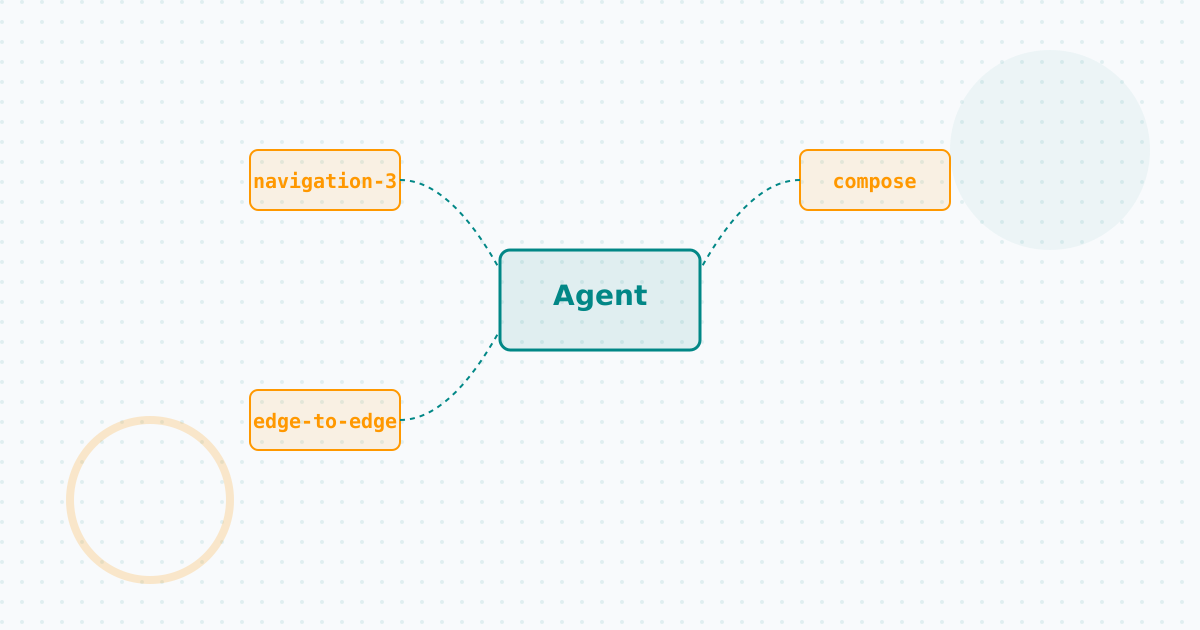
Table of Contents
I’ve spent a while trying to delegate more complex parts of my projects to AI models, and one of the biggest frustrations I faced (and surely you have too) is when the LLM assumes outdated concepts. It’s great when an agent writes code quickly, but when it spits out an architecture based on AsyncTask or deprecated libraries from the Android KitKat era… the dream crumbles fast.
That’s where the Android Skills repository comes in, a piece that, combined with the Android CLI, becomes my secret weapon for smoke-free agentic-first development.
The SKILL.md format: The End of Hallucinations
Android skills are essentially modular instructions, optimized for artificial intelligence. They use the standard SKILL.md format, which acts as a technical specification of the task, serving to “ground” the LLM in the reality of modern development.
In my indie workflow, where time is money and I don’t have a QA chasing me around, I need my code to follow architecture best practices without having to audit every line of generated code. Skills cover exactly those areas where LLMs tend to slip up:
- Migrations (for example, to AGP 9 or XML-to-Compose).
- Configuration and analysis of R8 rules.
- Edge-to-edge implementations.
- Navigation 3 setup.
Instead of copying and pasting long blocks of official documentation into the prompt du jour, the skill is injected, giving the model the precise context it needs to operate.
Adding Skills to Your Flow
Integrating this into my day-to-day has been as simple as installing tools from the Android CLI. With simple commands, you can download or update specific skills for a project:
# Add the R8 analyzer skill
android skills add --skill=r8-analyzer --project=.

# Update or install all available skills
android skills add --all
If you use assistants like Claude or local tools, these skills are typically downloaded to local directories (~/.gemini/antigravity/skills, etc.) and the agent automatically picks up the context for the task you’re performing if it matches the skill’s description.
This way, we achieve a truly productive flow. There’s no longer a need to debate with the LLM about whether to use ViewModelProviders (spoiler: no). The model reads the skill, understands the modern “official” mandate, and generates useful code on the first try.
Strength in Numbers
As we saw when exploring the Android CLI, the real power emerges when you cross-pollinate these tools. You have a programmatic interface that a bot can use to interact with your project (CLI), and you have a repository of strict, updated rules that the bot consults so it doesn’t write legacy code (Skills).
This is the kind of ecosystem maturity that allows an independent developer to multiply their production capacity. Sometimes I feel like I can finally focus on the design and product idea, letting the machine do the heavy lifting… but this time, with the guarantee that it’s not building a house of cards.
References
You might also be interested in
AI Skills in Development: Powering Your Android Workflow
Discover how AI Skills transform modern development, automating complex tasks and improving productivity in Android projects.
Loop Engineering
Discover how Loop Engineering is replacing traditional prompting. Learn to design autonomous systems for mobile development with Kotlin and Android, managing risks and optimizing resources.
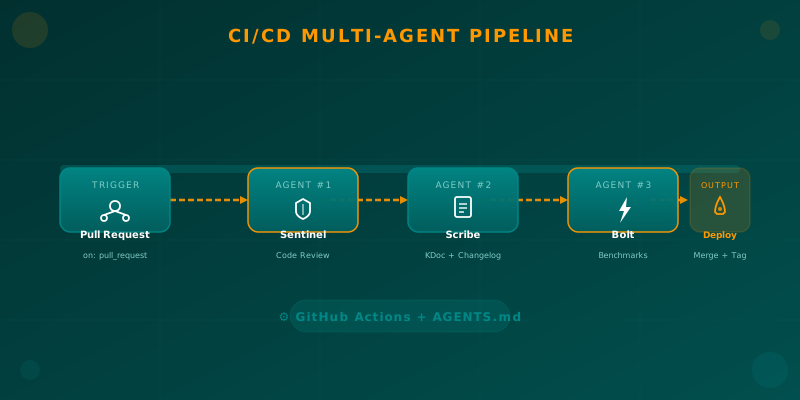
Orchestrating AI Agents in Your Android CI/CD Pipeline
Learn how to integrate specialized AI agents (code review, documentation, benchmarks) into your Android CI/CD pipeline using GitHub Actions and AGENTS.md.