
Automated Versioning in Android with CI/CD

Table of Contents
🔢 The Manual Problem
Releasing an Android app involves:
- Open
build.gradle.kts. - Increment
versionCode. - Update
versionName. - Git commit “Bump version”.
- Tag “v1.0.1”.
This is manual, error-prone (forgetting to bump code), and annoying.
🚀 The Automated Solution
Use Semantic Release or simple GitHub Actions to calculate the version based on your git history.
Strategy: Conventional Commits + SemVer
- Commits: Format commits like
feat: login screen(minor) orfix: crash on startup(patch). - Tool: Analyze commits since the last tag.
- Result: Determine next version (e.g., 1.0.0 -> 1.1.0).
Implementation: Gradle Script
Create a versioning.gradle.kts file:
val versionPropsFile = file("version.properties")
val versionProps = Properties()

if (versionPropsFile.canRead()) {
    versionProps.load(FileInputStream(versionPropsFile))
} else {
    versionProps["VERSION_CODE"] = "1"
    versionProps["VERSION_NAME"] = "0.0.1"
}

tasks.register("bumpVersion") {
    doLast {
        val type = project.findProperty("bumpType") as? String ?: "patch"
        // Logic to increment version based on type
        // ...
        versionProps.store(versionPropsFile.writer(), null)
    }
}
CI/CD Pipeline (GitHub Actions)
In your .github/workflows/release.yml:
- Checkout: Get code.
- Calculate Version: Use
semantic-releaseaction. - Write Version: Update
version.properties. - Build:
./gradlew bundleRelease. - Tag: Create git tag with new version.
- Release: Upload AAB to Play Store.
name: Release App
on:
  push:
    branches: [ main ]
jobs:
  release:
    runs-on: ubuntu-latest
    steps:
      - uses: actions/checkout@v3
      - name: Semantic Release
        uses: cycjimmy/semantic-release-action@v3
        id: semantic
        env:
          GITHUB_TOKEN: ${{ secrets.GITHUB_TOKEN }}

      - name: Update Version File
        if: steps.semantic.outputs.new_release_published == 'true'
        run: |
          echo "VERSION_NAME=${{ steps.semantic.outputs.new_release_version }}" > version.properties
          # Logic to increment versionCode based on commit count or timestamp

      - name: Build Release
        run: ./gradlew bundleRelease
🧠 Why Automate?
- Consistency: No more “version 1.2.0” followed by “1.2.0-fix”.
- Traceability: Every build is linked to a git tag.
- Speed: Release with a single merge to
main.
⚠️ Caveats
- Version Code: Must be an integer and always increase. A common pattern is
Major * 10000 + Minor * 100 + Patchor simply using the git commit count / timestamp. - Hotfixes: Requires a specific branch strategy (e.g.,
release/v1.0).
🏁 Conclusion
Automated versioning is a hallmark of a mature CI/CD pipeline. It removes friction from the release process and ensures your versionName always reflects the actual changes in the app.
You might also be interested in

Semantic Versioning in CI/CD
Master semantic versioning in CI/CD pipelines. Learn to calculate versions automatically and ensure traceability in your Android deployments.
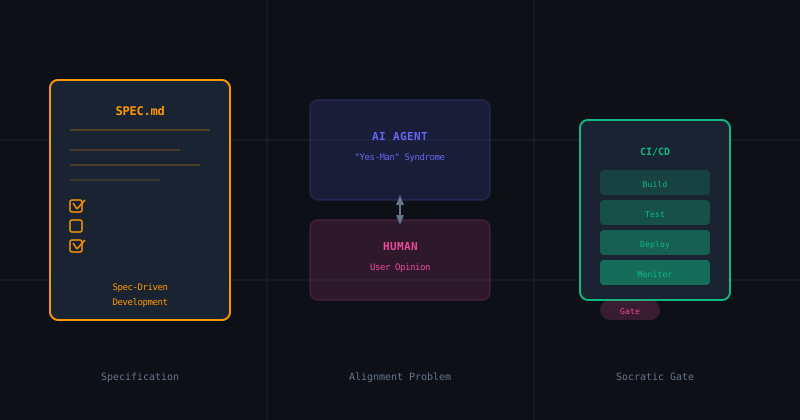
The Socratic Agent Series (Part 2): Spec-D...
How AI's desire to please you is destroying your codebase. We explore Spec-Driven Development frameworks and how to implement Socratic verification gates in your Android CI pipeline.
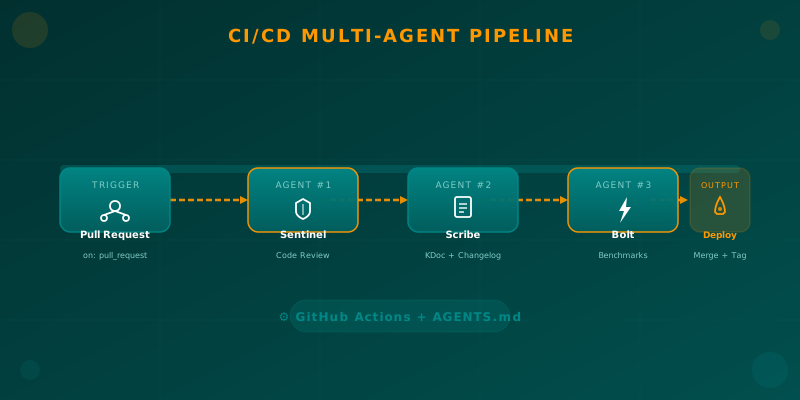
Orchestrating AI Agents in Your Android CI/CD Pipeline
Learn how to integrate specialized AI agents (code review, documentation, benchmarks) into your Android CI/CD pipeline using GitHub Actions and AGENTS.md.