
Android Documentation: Best Practices for Developers

Table of Contents
📝 Why Documentation Matters in Android
In the fast-paced world of Android development, documentation often takes a back seat. We prioritize shipping features over writing docs. However, as projects grow and complexity scales, the lack of proper documentation becomes a bottleneck.
Documentation is not just about writing comments; it’s about creating a knowledge base that empowers you (and your future self) to understand the why and how behind the code.
📚 Types of Documentation
1. Code Documentation (KDoc)
This lives right in your code. It explains classes, functions, and parameters.
- Tools: KDoc (Kotlin’s Javadoc equivalent).
- Best Practice: Document public APIs, complex logic, and edge cases. Don’t document trivial getters/setters.
/**
 * Repository for managing user data.
 *
 * @param localDataSource Source for local database operations.
 * @param remoteDataSource Source for network API calls.
 */
class UserRepository(
    private val localDataSource: UserLocalDataSource,
    private val remoteDataSource: UserRemoteDataSource
) { ... }
2. Architecture Documentation (ADRs)
Architecture Decision Records (ADRs) capture significant architectural decisions.
- Format: Markdown files in the repo (e.g.,
docs/adr/001-use-hilt.md). - Content: Status, Context, Decision, Consequences.
3. Project Documentation (README & Wiki)
The entry point for any developer.
- README.md: Setup instructions, architecture overview, contribution guidelines.
- Wiki/MkDocs: Detailed guides, onboarding, style guides.
🛠️ Tools of the Trade
Dokka
The official documentation engine for Kotlin. It generates static sites (HTML) from your KDoc comments.
- Integration: Gradle plugin.
- Output: Beautiful, searchable API reference.
MkDocs & Material for MkDocs
For creating project websites. It takes Markdown files and builds a static site.
- Theme: Material for MkDocs is the gold standard.
- Features: Search, dark mode, versioning.
Mermaid.js
For diagrams as code. Embed flowcharts, sequence diagrams, and class diagrams directly in your Markdown.
graph TD;
    A[User] -->|Clicks Login| B(LoginViewModel)
    B -->|Request| C{Repository}
    C -->|Success| D[Navigate Home]
    C -->|Error| E[Show Toast]
🚀 Automating Documentation with GitHub Actions
Manual documentation gets outdated. Automate it!
Workflow: Build & Deploy Docs
Create a GitHub Action that runs on every push to main:
- Build Code Docs: Run
./gradlew dokkaHtml. - Build Project Docs: Run
mkdocs build. - Deploy: Push the generated static files to
gh-pagesbranch.
name: Deploy Docs
on:
  push:
    branches: [ main ]
jobs:
  deploy:
    runs-on: ubuntu-latest
    steps:
      - uses: actions/checkout@v3
      - name: Set up JDK 17
        uses: actions/setup-java@v3
        with:
          java-version: '17'
          distribution: 'temurin'
      - name: Build Dokka
        run: ./gradlew dokkaHtml
      - name: Deploy to GitHub Pages
        uses: peaceiris/actions-gh-pages@v3
        with:
          github_token: ${{ secrets.GITHUB_TOKEN }}
          publish_dir: ./build/dokka/html
🧠 Conclusion
Good documentation is a superpower. It reduces context-switching time, prevents knowledge silos, and improves code quality. Start small: add meaningful KDoc, write a solid README, and automate the rest. Your future self will thank you.
You might also be interested in

Automated Documentation: CI/CD with Dokka and MkDocs
Generate and deploy your Android documentation automatically. How to set up GitHub Actions to publish KDoc and MkDocs to GitHub Pages.
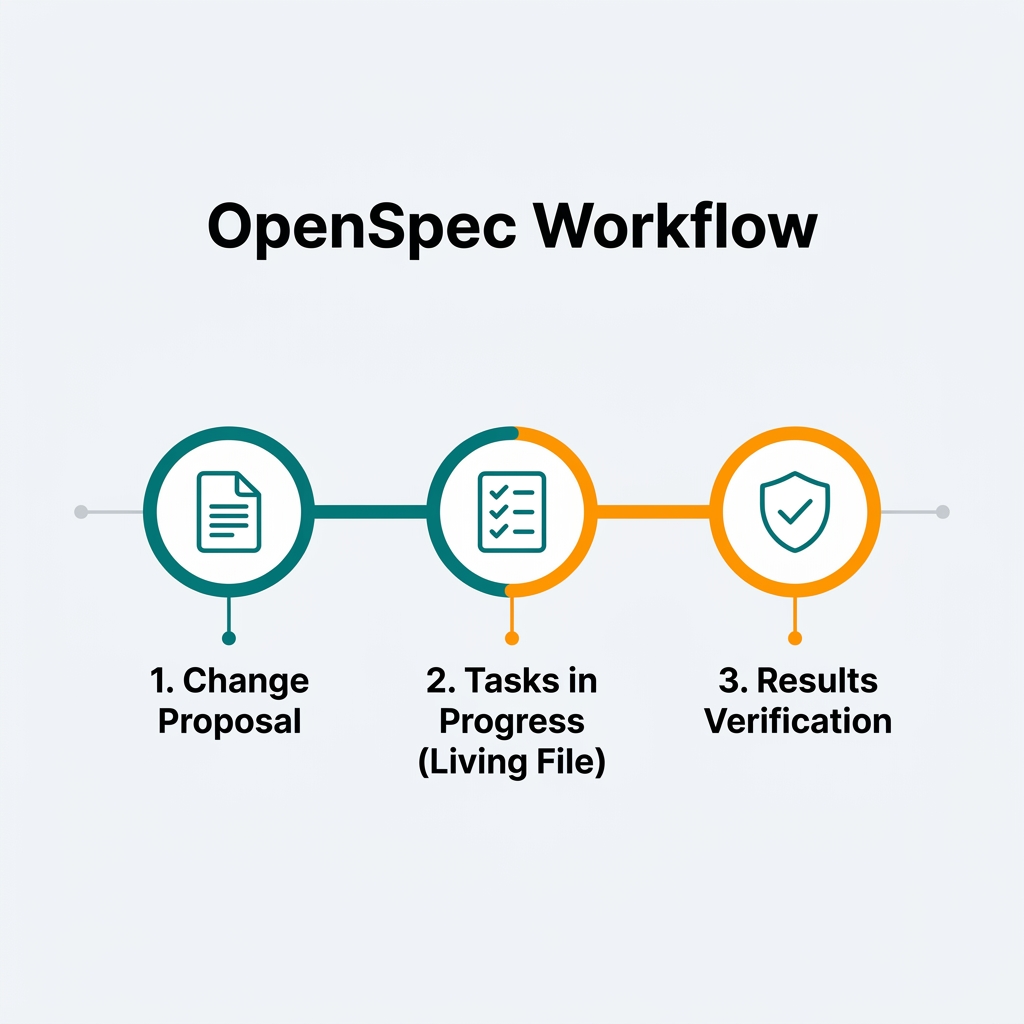
OpenSpec for Mobile Development: Spec-Driv...
How to apply OpenSpec in Android and Kotlin projects to keep AI agents aligned with architecture, with practical examples of change proposals, task validation, and living files.
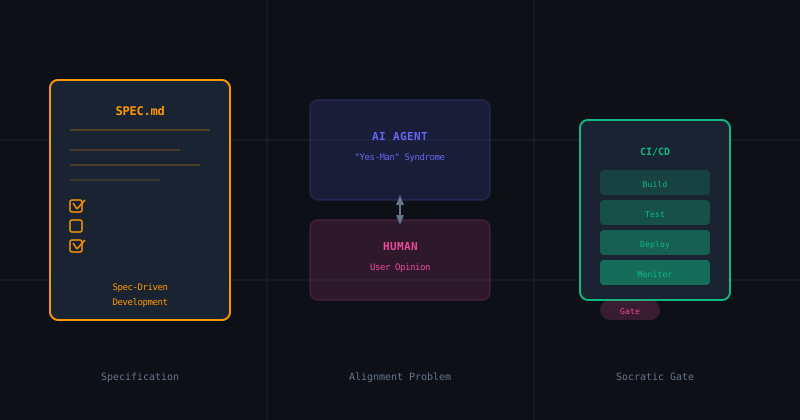
The Socratic Agent Series (Part 2): Spec-D...
How AI's desire to please you is destroying your codebase. We explore Spec-Driven Development frameworks and how to implement Socratic verification gates in your Android CI pipeline.