
Table of Contents
🧠 The Context Limit Problem
LLMs have a fixed context window (e.g., 32k, 128k tokens). You cannot feed them your entire codebase, your user’s history, and every possible API doc on every request. It’s slow and expensive.
💉 Dynamic Injection Strategy
Instead of a static system prompt, we build the prompt dynamically based on the user’s current query. This is Retrieval-Augmented Generation (RAG) applied to instructions, not just documents.
1. Intent Classification
First, determine what the user wants.
- User: “Book a flight to Paris.”
- Classifier: Intent =
TRAVEL_BOOKING.
2. Skill Retrieval
Fetch the relevant instructions (skills) for that intent.
- Skill:
FlightBookingService.yaml(API schema). - Memory: User prefers aisle seats (from User Profile).
3. Prompt Assembly
Combine these into the final prompt sent to the LLM.
SYSTEM: You are a travel assistant.
CONTEXT: User prefers aisle seats.
TOOLS:
- search_flights(origin, dest, date)
- book_flight(flight_id)

USER: Book a flight to Paris tomorrow.
🛠️ Implementation: Vector Search for Skills
Store your agent’s skills as embeddings in a vector database (Chroma, Pinecone). When a query comes in:
- Embed the query.
- Search for similar skills.
- Inject the top 3 matches into the prompt context.
Example: Code Assistant
- User: “Fix the bug in the login screen.”
- Search: Finds
LoginScreen.kt,AuthRepository.kt, andLoginViewModel.ktcontent. - Result: Highly relevant context without loading the whole project.
🚀 Optimization: Summarization
If context is still too large, use an LLM to summarize previous turns or documents before injection.
- Map-Reduce: Summarize chunks in parallel.
- Refine: Iteratively improve the summary.
🏁 Conclusion
Dynamic context injection is the key to building scalable, smart agents. It turns a generic LLM into a specialized expert that knows exactly what it needs to know, exactly when it needs to know it.
You might also be interested in
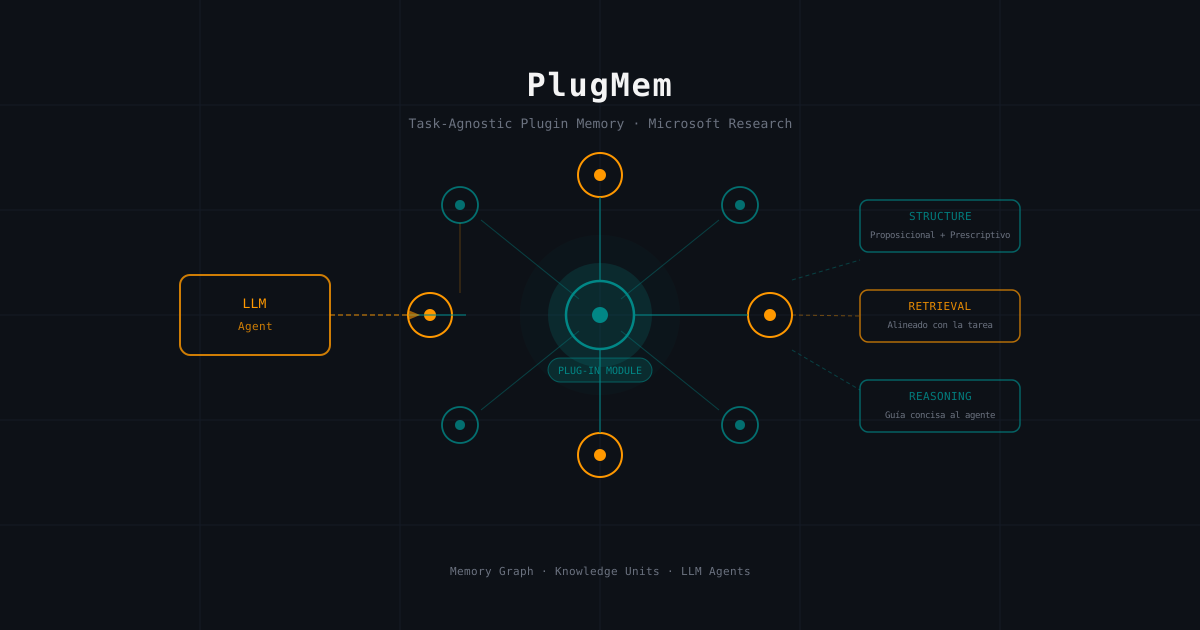
PlugMem: Microsoft Research's Task-Agnostic Memory Module That Every LLM Agent Needs
A technical deep-dive into PlugMem, Microsoft Research's plugin memory system that transforms raw LLM agent interactions into reusable structured knowledge. How its three-component architecture (Structure, Retrieval, and Reasoning) outperforms task-specific memory designs.
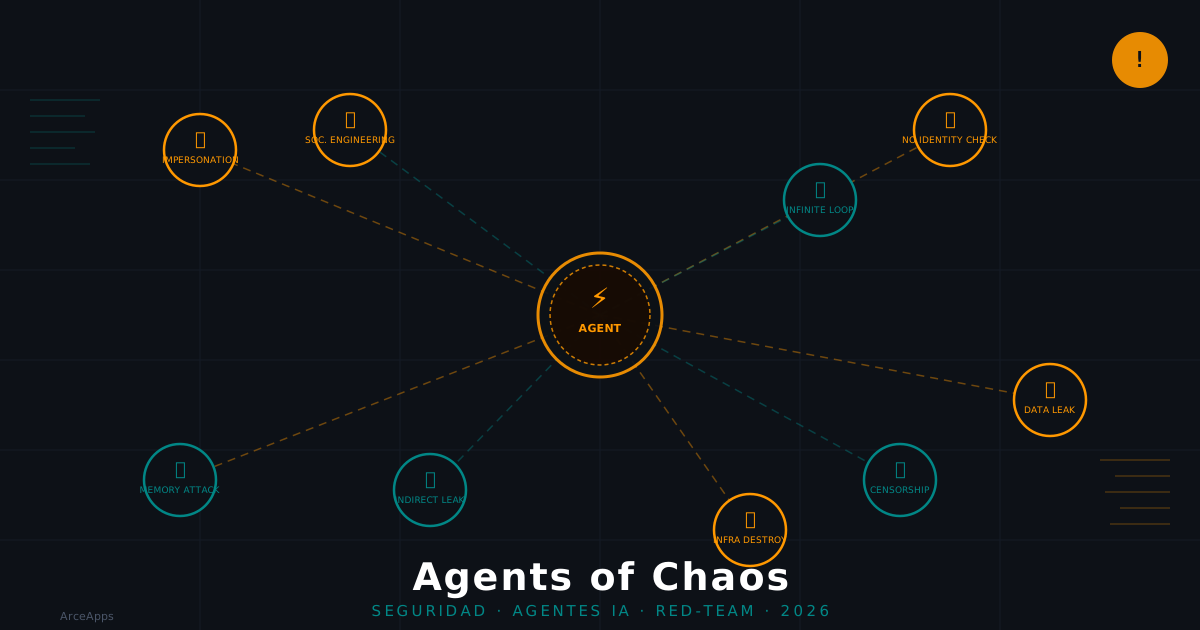
Agents of Chaos: What 38 Researchers Found About AI Agent Security
Analysis of the 'Agents of Chaos' paper (arXiv:2602.20021): 7 critical vulnerabilities found in two weeks of red-teaming autonomous AI agents with persistent memory, email, and shell access.
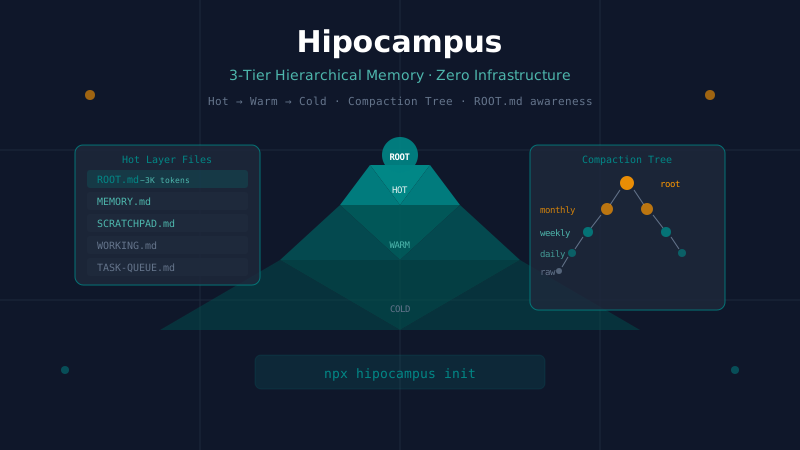
Hipocampus: Zero-Infrastructure Hierarchical Memory for AI Agents
A technical deep-dive into Hipocampus, a drop-in memory harness for AI agents that uses a 3-tier Hot/Warm/Cold architecture and a 5-level compaction tree. How ROOT.md enables constant-cost memory awareness and how it compares to hmem, Mem0, and Letta.