
AI Code Review: Your New Tireless Agent Companion

Table of Contents
🧐 The Problem with Human Code Review
Code Review is vital, but it has problems inherent to human nature:
- Fatigue: After reviewing 200 lines, attention drops sharply.
- Subjectivity: “I don’t like this variable name” vs “This algorithm is O(n^2)”.
- Context Switching: Interrupting your flow to review someone else’s PR.
- Nitpicking: Wasting time discussing indentation instead of architecture.
AI doesn’t get tired, has no ego, and can check indentation in milliseconds.
🤖 Levels of AI Code Review
We can integrate AI at different stages of the review cycle.
Level 1: The Semantic Linter (Pre-commit)
Static tools (Detekt, Lint) find syntax errors. AI finds intent errors.
Imagine a local script that runs before committing:
“Review my changes. Am I introducing any security risks or breaking the MVVM pattern?”
Tools: Cursor IDE, IDE plugins with GPT-4.
Level 2: The Automated PR Reviewer (CI Pipeline)
This is where the magic happens. When you open a Pull Request, an agent (like CodeRabbit, Coderabbit.ai, or custom actions with OpenAI API) analyzes the diff.
What does AI look for?
- Cyclomatic Complexity: “Is this function too hard to read?”
- Missing Tests: “You added new logic in
UserViewModelbut I see no changes inUserViewModelTest.” - Documentation: “You created a new public function without KDoc.”
- Security: “You are logging sensitive information (PII) in this
Log.d.”
Example of AI-generated comment on a PR:
🤖 AI Reviewer: “On line 45, you are collecting a
Flowinside aLaunchedEffectwithout usinglifecycle.repeatOnLifecycle. This could cause collection to continue when the app is in the background, wasting resources.Suggestion: Use
collectAsStateWithLifecycle()or wrap it inrepeatOnLifecycle.”
Level 3: The Summary Generator (Context for Humans)
Sometimes, understanding what a giant PR does is hard. AI can read all changes and generate a human description:
PR Summary (AI Generated): “This PR migrates the Login module from XML to Jetpack Compose.
- Deletes
activity_login.xml.- Creates
LoginScreen.kt.- Updates
LoginViewModelto use StateFlow.- Alert: Modifies
AndroidManifest.xml, please review permissions.”
This saves the human reviewer 10 minutes of “archaeology” to understand the purpose of the change.
🛠️ Configuring an AI Code Reviewer with GitHub Actions
We can build a simple reviewer using the OpenAI API and GitHub Actions.
name: AI Code Review

on:
  pull_request:
    types: [opened, synchronize]

jobs:
  review:
    runs-on: ubuntu-latest
    steps:
      - uses: actions/checkout@v4

      - name: Get Diff
        run: git diff origin/main > pr_diff.txt

      - name: Ask GPT-4
        uses: openai/gpt-action@v1
        with:
          api_key: ${{ secrets.OPENAI_API_KEY }}
          prompt: |
            Act as a Senior Android Reviewer.
            Analyze the following code diff.
            Look for:
            1. Potential concurrency bugs.
            2. Clean Architecture violations.
            3. Memory management errors (leaks).

            Be concise. If the code is fine, say "LGTM".

            Diff:
            ${{ env.DIFF_CONTENT }}
⚖️ The Human-AI Balance
AI should not have the final word (yet).
- AI: Excellent for finding patterns, missing boilerplate, logical syntax errors, and compliance with standards.
- Human: Excellent for judging if the feature meets business requirements, if UX is good, and if the architecture makes sense long-term.
The Golden Rule: Let AI handle the “Nitpicking” (style, docs, basic tests) so the human can focus on Architecture and Business.
🎯 Conclusion
Integrating AI into your Code Review process is like having a “very diligent assistant” who reads every line of code instantly. It doesn’t replace your architectural intuition, but it takes away 80% of the tedious work, allowing you to move faster and with greater confidence.
You might also be interested in
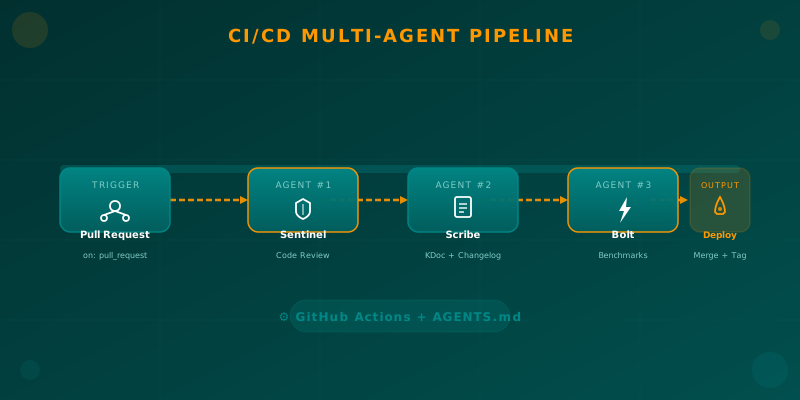
Orchestrating AI Agents in Your Android CI/CD Pipeline
Learn how to integrate specialized AI agents (code review, documentation, benchmarks) into your Android CI/CD pipeline using GitHub Actions and AGENTS.md.

Claude 4.6 (Sonnet and Opus): The Thinking Developer's Choice
Review of Anthropic's Claude 4.6 family. How 'Adaptive Thinking' and 'Computer Use v2' change the game for mobile CI/CD. Includes comparison with Gemini 3.0 Pro.

Semantic Versioning in CI/CD: The Science of Continuous Delivery
Master semantic versioning in CI/CD pipelines. Learn to calculate versions automatically and ensure traceability in your Android deployments.